







.png)





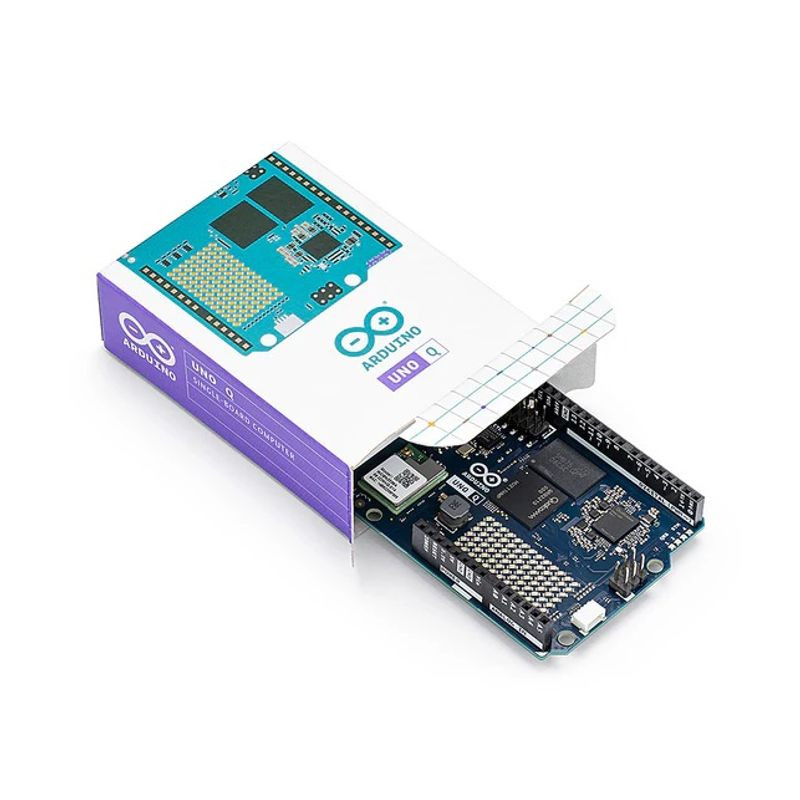
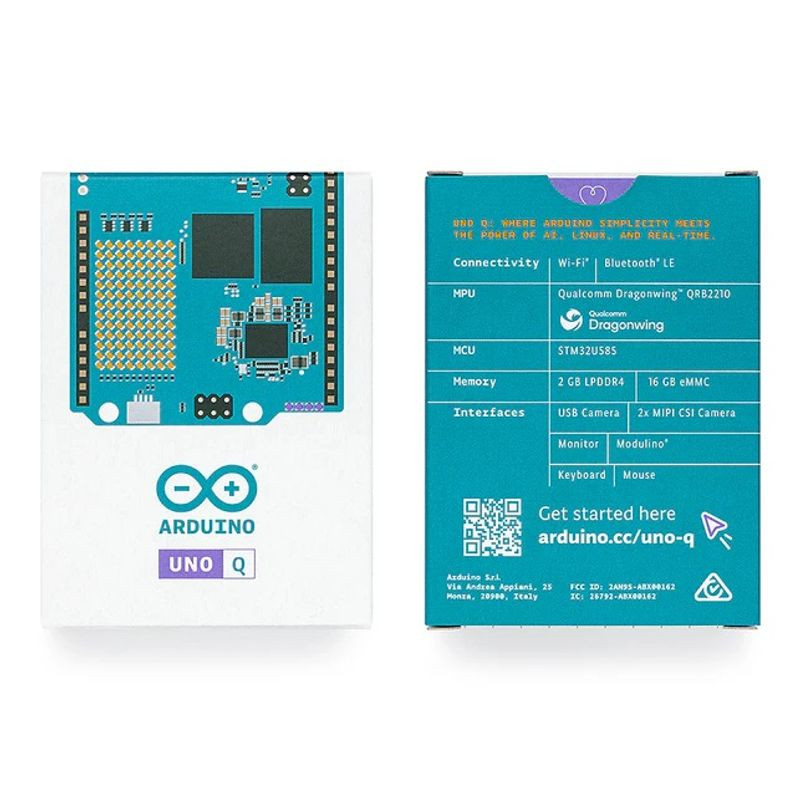


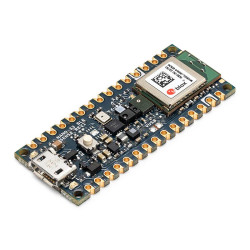
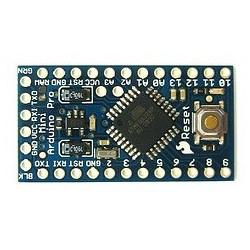
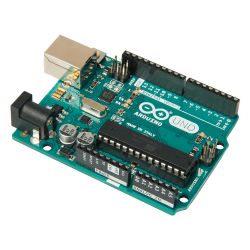
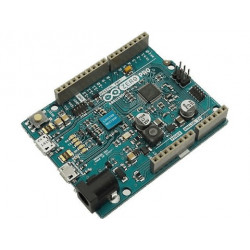
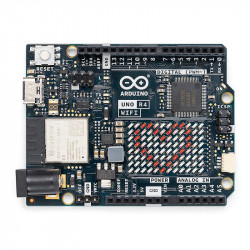
All pictures are for illustrative purposes only.

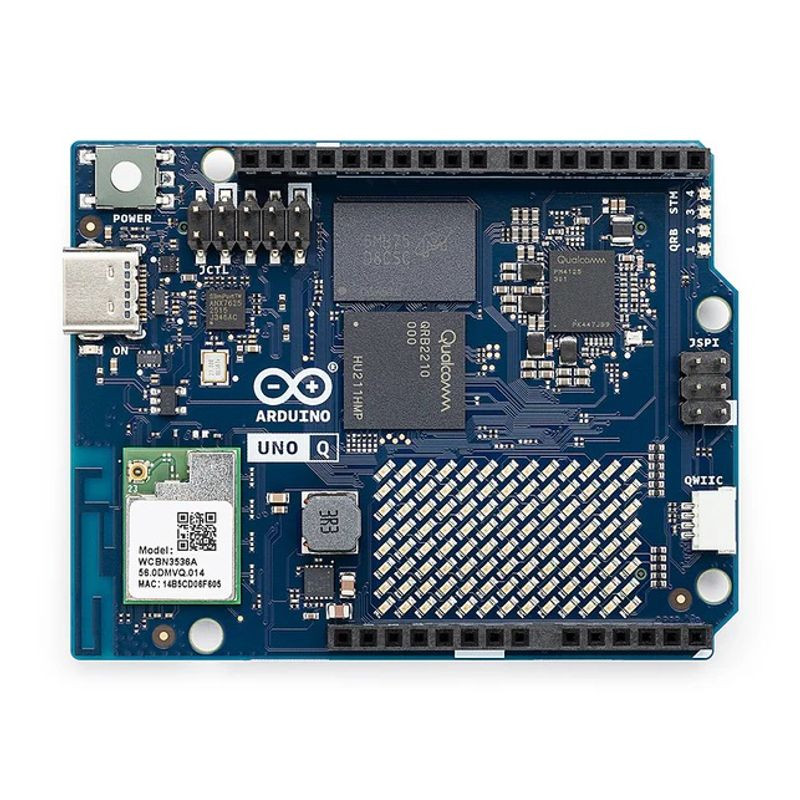
Arduino UNO Q’s hybrid design makes it the perfect dual-brain platform for your next innovation. It combines a Linux® Debian-capable Qualcomm® Dragonwing™ QRB2210 microprocessor with a real-time STM32U585 microcontroller (MCU). It’s Arduino, it’s a computer, it’s anything you want to build.
It’s the go-to tool to prototype your next robotics or IoT project, thanks to:
All-in-one toolbox: Arduino UNO Q combines the powerful Qualcomm® Dragonwing™ QRB2210 microprocessor (MPU) with a real-time STM32U585 microcontroller (MCU) – no matter what you’re building, it’s your new go-to tool!
Your UNO Q is a compact, cost-effective platform with advanced features like machine vision – thanks to the integrated AI and GPU acceleration, quad-core 2.0 GHz CPU, Adreno GPU, 2x ISP, and support for camera, display, and audio provided by the Dragonwing QRB2210.
Unified Dev Experience
App Lab is a brand-new integrated development environment that unifies the journey across Linux® and real-time OS.
Preloaded on the UNO Q, App Lab combines Arduino Sketches, Python® scripts, and containerized AI models into fully integrated applications all managed from a single interface.
Ready-to-use Apps and Bricks
Get started fast with Arduino Apps, self-contained examples with everything you need. Add plug-and-play features to your projects with pre-built Bricks to accelerate your ideas even more.
Pre-loaded AI Models
With pre-loaded AI models in Arduino App Lab, you can leverage the real-world data for a wide range of capabilities such as object/human detection, anomaly detection, image classification, sound recognition, and keyword spotting.
Find out more in the official documentation.
| Microprocessor (MPU) | Qualcomm Dragonwing™ QRB2210: Quad-core Arm® Cortex®-A53 @ 2.0 GHz Adreno GPU 3D graphics accelerator 2x ISP (13 MP + 13 MP or 25 MP) @ 30 fps |
| Microcontroller (MCU) | STM32U585 Arm® Cortex®-M33 up to 160 MHz 2 MB flash memory 786 KB SRAM |
| RAM | 2GB LPDDR4 |
| Power Supply | From USB-C connector 5 V max at 3 A Input Voltage (VIN): 7-24 V |
| Storage | 16GB eMMC |
| USB | 1× USB-C port with host/device role switching, power role switch and video output |
| Connectivity | Wi-Fi® 5 2.4/5GHz with onboard antenna Bluetooth® 5.1 with onboard antenna |
| Interfaces | I2C/I3C SPI PWM CAN UART PSSI GPIO JTAG ADC |
| Video | Video output support via USB-C MIPI DSI pins on JMEDIA header |
| Extra | 4× RGB user-controllable LEDs 8x13 Blue LED Matrix 1x Qwiic connector voltage 3V3, I2C 1x User push-button JCTL: MPU Remote Debug connector |
| Audio | Microphone IN / Headphone OUT / Line OUT on JMISC |
| Dimensions | 68.85 mm x 53.34 mm (UNO form factor) |
| MPU Operating System | Linux Debian OS with upstream support |
| Real-time Operating System | Arduino Core on Zephyr OS |
| Containerization | Docker and Docker Compose support |
| Support Operating Systems for Arduino App Lab | Windows: Windows 10 or later (64-bit) macOS: macOS 11 or later (64-bit) Linux: Ubuntu 22.04 or later, and Debian Trixie (64-bit) |